Changelog

See our full changelog to keep track of recent changes.
v2.1.1

Connection stability and Bedrock fixes

Steadier connections, a batch of Bedrock fixes, and macros you can build before you subscribe.

Added

  • HugoSMP information about only getting stars per IP
  • Minehut information about bypassing their captcha

Changed

  • Improved connection stability
  • Macros can now be created without a subscription

Fixed

  • The PWA not redirecting to the dashboard
  • Bedrock connections failing when they shared the Java port (25565)
  • The Tier 3 VPN block bypass failing for some users
  • Login timing out, which showed up as a network error in the account logs
  • Bots breaking blocks too slowly while in water
  • A bot appearing to break a block out of its reach
  • Dropping not working on Bedrock
  • "Drop all" not working when multiple accounts were selected
  • Sneaking not working on Bedrock
v2.1.0

A bigger macro system and smoother migration

Every macro action documented and expanded, hold and toggle support, and clearer prompts for players moving over from v1.

Added

  • Migration option on the frontpage login button
  • Modal reminding people to migrate when they hit a "not subscribed" error
  • Hold down and toggle options for the hit, break and left click macro actions
  • GUI join for all tiers
  • More macro actions. The full list is now:
    • Chat (send a message or command)
    • Use GUI (click a slot in an open container, such as a chest or a furnace)
    • Use inventory (click a slot in the bot's own inventory)
    • Close GUI (close an open container)
    • Click item (find and click a specific item)
    • Hold item (switch to a specific item, or to a hotbar slot)
    • Use held item (one right click with whatever is in hand)
    • Swap hands (swap the main hand and off hand)
    • Stop using (release a held right click, which fires a drawn bow or lowers a shield)
    • Drop (drop a specific item, one or a whole stack)
    • Drop all (drop the whole inventory, or only items matching a name)
    • Move (walk forward, back, left or right)
    • Look (rotate to a yaw and pitch)
    • Sneak (start or stop sneaking)
    • Jump (hold or release)
    • Break block (mine the block ahead, or one at fixed coordinates)
    • Place block (hold a block, then right click to place it)
    • Left click (one click that breaks a block, hits a mob, or swings at air)
    • Attack (hit whatever the bot is looking at)
    • Wait (pause before the next action)
    • Disconnect (log the account off)
  • Alert when a server IP is wrong
  • Random delay of between X and Y seconds between any two macro actions
  • Visualization for looking around
  • Better macro creation flow on phones and smaller screens
  • Minecadia VPN block partnership popup

Changed

  • The inventory open warning is now an instant "close" button
  • Made it clearer that you can shift click to select multiple inventory slots in the "GUI click" macro action
  • The macro "not connected" notice is now a yellow warning

Fixed

  • The account linking documentation link
  • A 1px gap in the account's arm in POV
  • Specific incompatible version errors are now surfaced
  • You can no longer accidentally connect to the same IP from two server profiles at the same time
  • VPN block logs staying dark in light mode
  • Clearer login error messages
v2.0.0

v2 release

MinecraftAFK v2 is here: a rebuilt website, connection system and physics, plus Bedrock accounts, multi-server AFK and the bot POV.

Added

  • Bedrock account support
  • Multi-server support, so you can AFK on several servers at the same time, with the same accounts too
  • Full account logs and alerts
  • More login options
  • Bot POV
    • See the in-game view
    • Place and break blocks
    • Interact with and hit entities
    • Use the inventory and items
    • Open chests and other containers
  • Option to buy additional proxies (VPN bypassing and UDP support built in)
  • Smart proxy assignment
  • Advanced inventory management
  • Advanced macro system
    • Join event
    • World change event
    • Timer event (repeats every X seconds)
    • Send chat message
    • Use GUI
    • Click item
    • Hold and use item
    • Drop and drop all
    • Close GUI
    • Move
    • Look
    • Sneak
    • Jump
    • Attack
    • Break block
    • Click
    • Wait
    • Disconnect
  • New way to bypass captchas
  • Crypto payments
  • Gifting option

Revamped

  • Completely new website
  • Completely new connection system
  • Completely new physics

Stay in the loop

Every entry above marks a release of the MinecraftAFK web and local clients - new features, server-compatibility updates, performance work, and bug fixes. We ship continuously, so this page is the quickest way to see what changed and when.

Want the detail behind a release? Bigger features and how-to walkthroughs land on the blog, and day-to-day announcements go out in our Discord server, where you can also share feedback and request features.

How updates reach you depends on the client. The web client runs on our servers and is kept on the latest supported Minecraft version for you, so there's nothing to install - improvements and fixes apply the next time your accounts connect. The free local client runs on your own machine, so installing the newest version when it's released keeps you compatible with the latest Minecraft releases and server changes.

Spotted a bug or have an idea for a feature? The fastest path is a post in our Discord support channels, where the team triages reports and folds the most-requested changes into upcoming releases. Including your client type, your Minecraft version, and the server you were on helps us reproduce and fix issues faster.

Want to AFK 24/7 Without Leaving Your PC On?

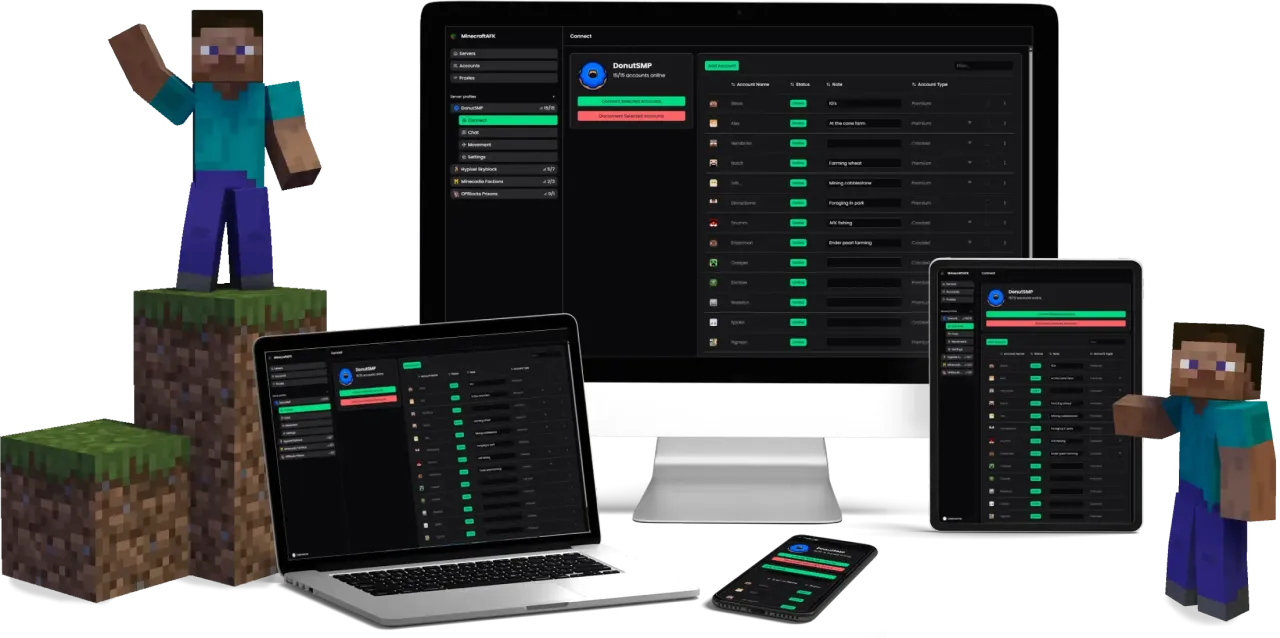
The easiest way to earn money while you sleep, work, or travel. No downloads, no electricity costs. Manage your accounts from any device including your phone.
Showcase