How to AFK in Minecraft Without Getting Kicked

To AFK in Minecraft without getting kicked, your account has to keep sending the server a little input every few minutes, the way an active player would: a step, a jump, a swing of the arm. You can do that from your own PC with an AFK pool, an anti-AFK mod or an autoclicker, or hand the job to a Minecraft bot that keeps going with your PC off. What works depends on the server, because each one decides for itself what counts as AFK.
Why servers kick AFK players
A player standing still is still a player. They take one of the server's slots, keep the chunks around them loaded and keep their farms running. Servers that fill up want those slots back for people who are playing, so many of them kick anyone who hasn't done anything for a while.
How long you get is up to the server:
- Vanilla servers never kick idle players unless the owner sets
player-idle-timeoutinserver.properties. It counts in minutes, and the default of 0 turns it off. - Plugin servers usually leave it to a plugin. EssentialsX, the most common one, marks you AFK after five minutes by default, and kicks you later only if the owner turns that on.
- Big networks run their own systems. Hypixel, for one, moves idle players to Limbo, where you stay connected but out of the game.
Some servers also look at how you move, not just whether you do. A player who walks the same loop for hours, or drifts round in a current, doesn't look like someone playing, and some AFK plugins ignore movement you didn't make yourself.
Singleplayer is different
There is no idle kick in singleplayer, but the game pauses as soon as you open a menu or click out of the window. In Java Edition, press F3 + P to stop it pausing when the window loses focus, and your world keeps running while you use another program.
Your PC still has to stay on, and only the area around you keeps working. There's more in How do I AFK in singleplayer?
Ways to stay online while AFK
| Method | Runs with your PC off | Where it fails |
|---|---|---|
| The server's own AFK area | No | Only on servers that have one |
| AFK pool | No | Servers that ban them, or ignore being pushed |
| Anti-AFK mod | No | Servers that don't allow the mod |
| Autoclicker | No | The game window has to stay in focus |
| AFK client or bot | Yes, if it runs in the cloud | Servers that forbid bots |
Use the server's own AFK area
Look for an /afk command or an AFK zone first. On a server that has one, it's the server telling you how it wants you to AFK, and some reward you for the time: HugoSMP pays stars in its AFK zone, and DonutSMP pays shards to everyone online.
You still need a way to stay active once you're there, so this usually goes with one of the options below.
Build an AFK pool
An AFK pool is a loop of flowing water that carries you round in circles, so you're never standing still. It's the classic trick on survival servers. Plenty of servers ban them, though, and on a server whose AFK plugin ignores movement you didn't make yourself, a pool does nothing. Check the rules before you build one.
Use an anti-AFK mod
Several client mods have an anti-AFK option that jumps or turns you on a timer, and so does nearly every hacked client. The game has to stay open and your PC on. A hacked client gets you banned on most servers whatever you use it for, so stick to a mod the server allows.
Use an autoclicker
An autoclicker or a key-holding script presses a key or clicks every few seconds. It's the bluntest option: the game window usually has to stay in focus, so you can't use your PC while it runs, and many servers ban autoclickers outright.
Run an AFK client or a bot
An AFK client connects your account to the server without the game: no window and no graphics, just the connection and the actions that keep it alive. The free local client, AFK Console Client, does that from your Windows PC for up to 5 Java accounts, with anti-AFK built in. Your PC has to stay on while it runs.
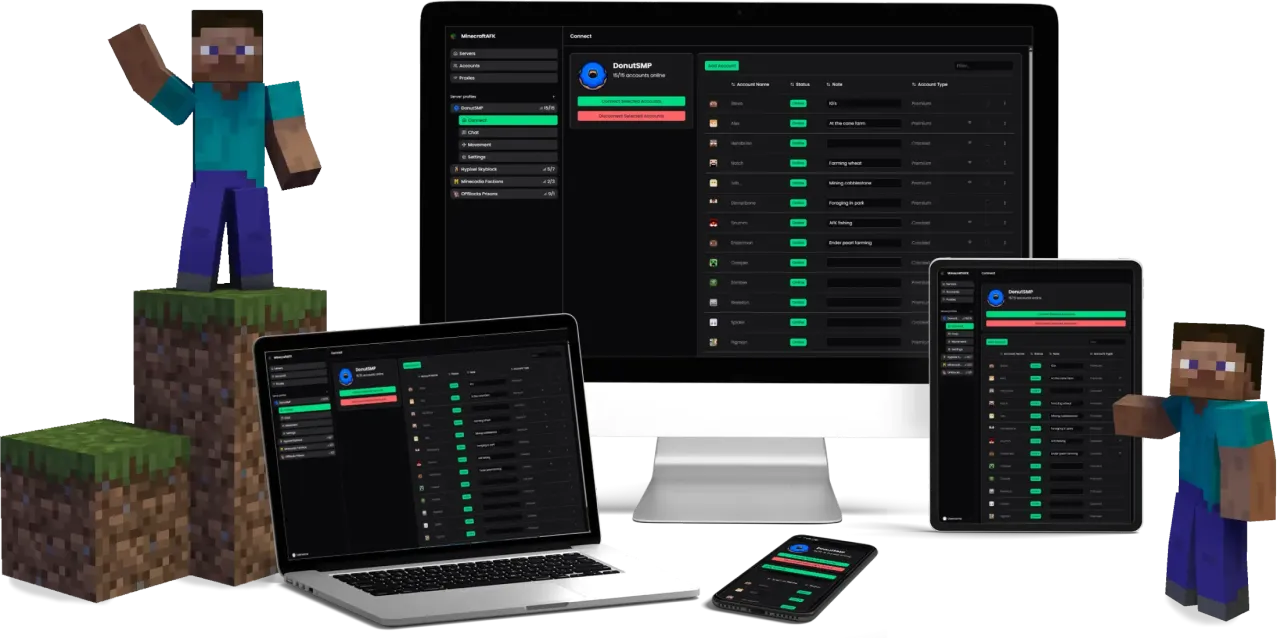
A bot in the cloud is the one option that doesn't need your PC at all. The web client runs your accounts on our servers around the clock, gives them something to do on a timer so they're never idle, and brings them back by itself after a restart or a kick. If you want the account to work while it waits, the same bot can mine or fish too.
Set up anti-AFK on the web client
This is the setup that keeps an account online on most servers:
- Add the server and your account. Add a server and Add your accounts walk you through it.
- Turn on anti-AFK. On the server profile's Settings page, under Extra settings, switch on Anti AFK and tick the actions you want. Swing arm is a good default: it keeps the account active without moving it. The delay between actions starts at 30 seconds.
- Leave auto reconnect on. A new profile has it on, rejoining 60 seconds after a drop, so a server restart or a kick costs you a minute rather than a night.
- Send it where it belongs. A Join macro with a Chat step that sends your server's command, like
/server survival, takes the account out of the lobby every time it connects.
Anti-AFK and What are the best settings? go through each of these in more detail.
Staying online isn't staying unbanned
Anti-AFK protects the session, not the account. Some servers forbid unattended play outright, Hypixel among them. Others allow AFK and still ban accounts that never do anything else, which has been seen on DonutSMP and HugoSMP.
So read the rules of the server you're on, and play on your accounts now and then. Can I get banned for only AFKing? explains why it helps.
Quick answers
How long can you be AFK before getting kicked?
As long as the server allows. A vanilla server never kicks idle players unless its owner sets player-idle-timeout. On plugin servers it's anything from a few minutes up, and some never kick at all.
Can you AFK with your computer off?
Only with something that runs somewhere else. The game, mods and autoclickers all stop when your PC does, and a bot running in the cloud doesn't. See Can I AFK with my computer turned off?
Does anti-AFK work on every server?
It keeps you connected on any server that only checks whether you've done something lately, which is most of them. It won't help on a server that forbids AFK or bots in its rules, and it isn't a disguise: a moderator looking at the account still sees an account that never plays.
Want to AFK 24/7 Without Leaving Your PC On?